
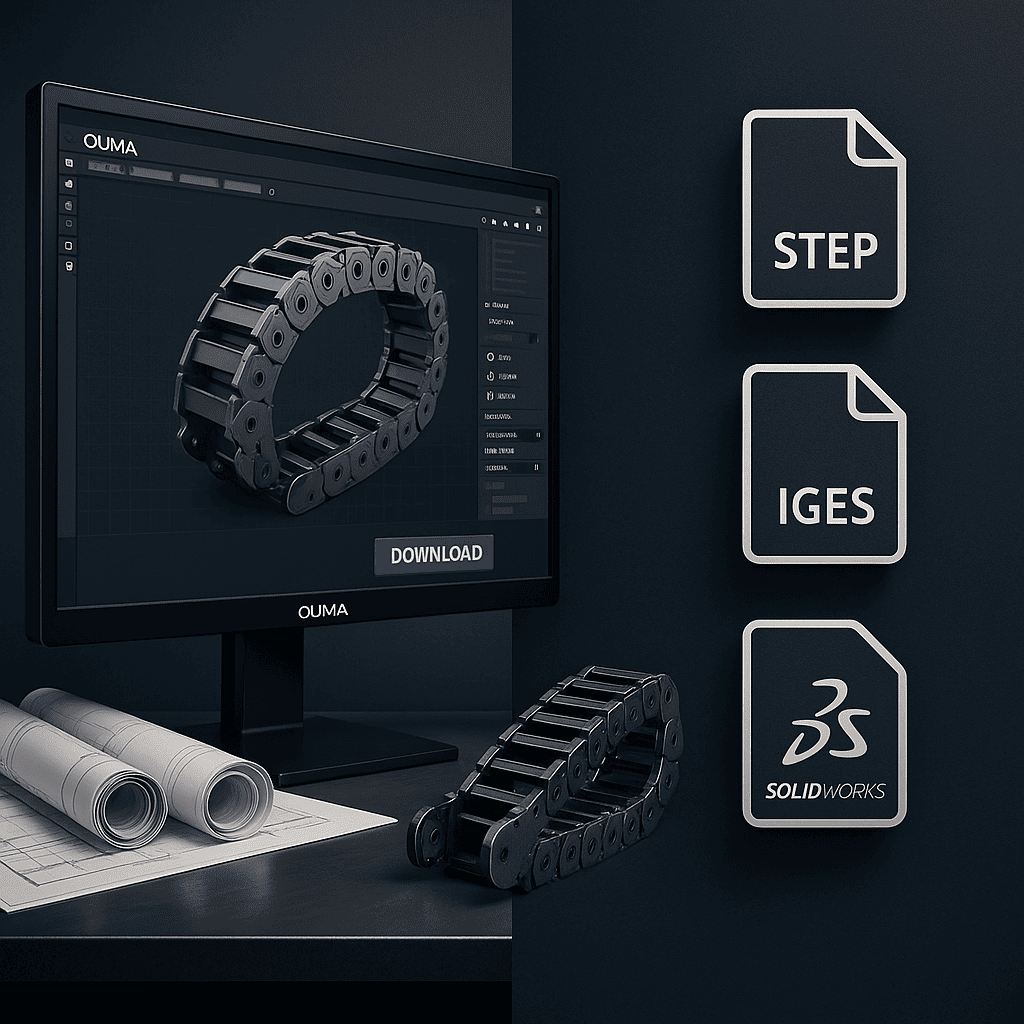
Drag Chain Catalog – Online Viewer
View the complete drag chain catalog online.
It includes series overview, dimensions, mounting details and technical data.
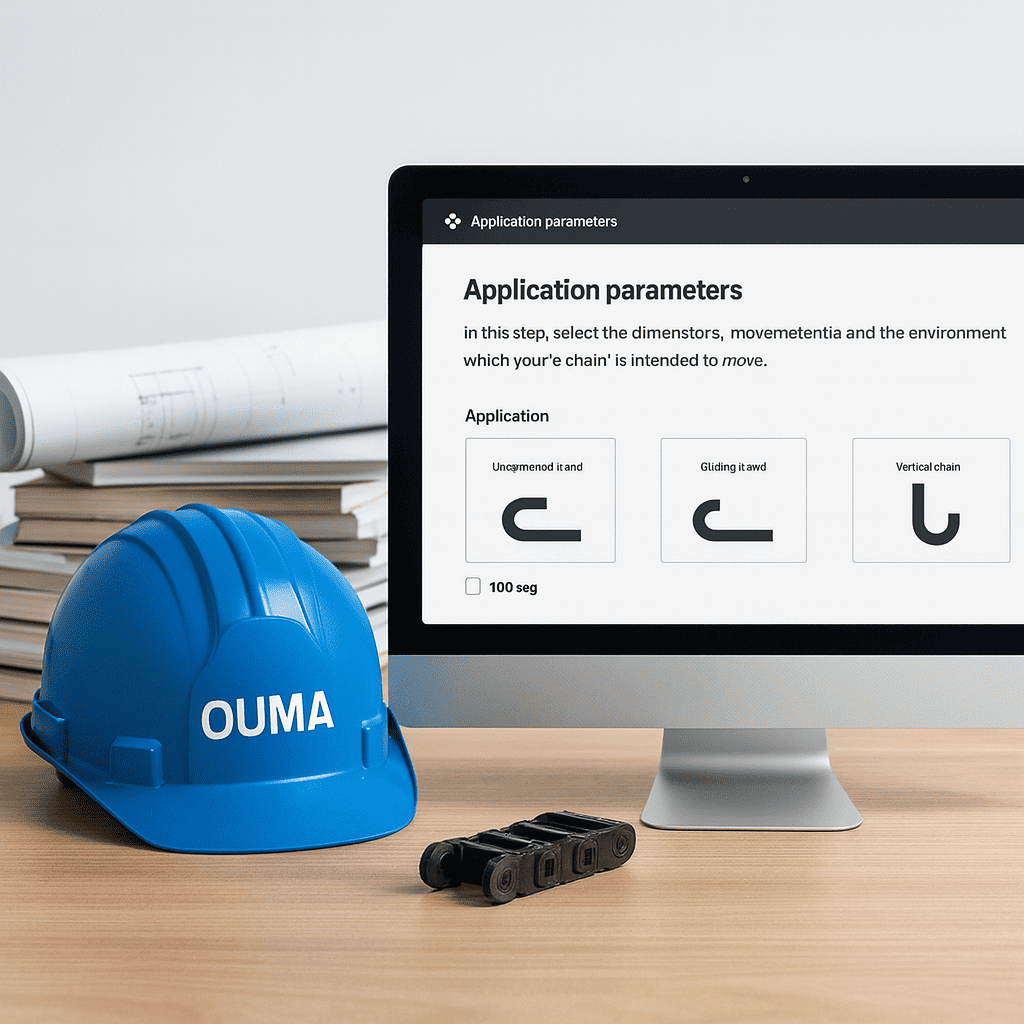
System requirements
SOLIDWORKS 2018 or later (SP5.0 or newer recommended for best compatibility).
Installation
Close SOLIDWORKS and any antivirus software before installation.
Right-click OUMA 3D Selector.exe and choose “Run as administrator”.
Complete the installation following the prompts.
Start SOLIDWORKS again – the OUMA 3D Selector icon will appear on the right-hand task pane (below “Custom Properties”). Click the icon to open the tool.
Main functions
Insert
Generate a drag chain model with the selected parameters and insert it directly into the current assembly.
Open
Generate a parametrized drag chain model and open it as a separate part/assembly.
Drawing
For a model created with Open, automatically create engineering drawings in batch.
Batch Drawing Update
For models created with Insert, automatically generate / update engineering drawings in batch.
Component Replacement
For models created with Insert, re-configure the parameters and replace the existing drag chain in the assembly with one click.
BOM Manager
Export a BOM table in your company’s template format with one click.
Settings (gear icon)
Switch to “Public Cloud Mode” to access more free models and resources.